



How Telco Rewards Works
Watch how to buy a prepaid mobile top-up PIN, redeem your cashback, and earn more cashback by shopping with Telco Rewards’ retail partners.
Published: · Duration: · Open video player · Video thumbnail
Step-by-Step Guide to Using Telco Rewards
Step 1
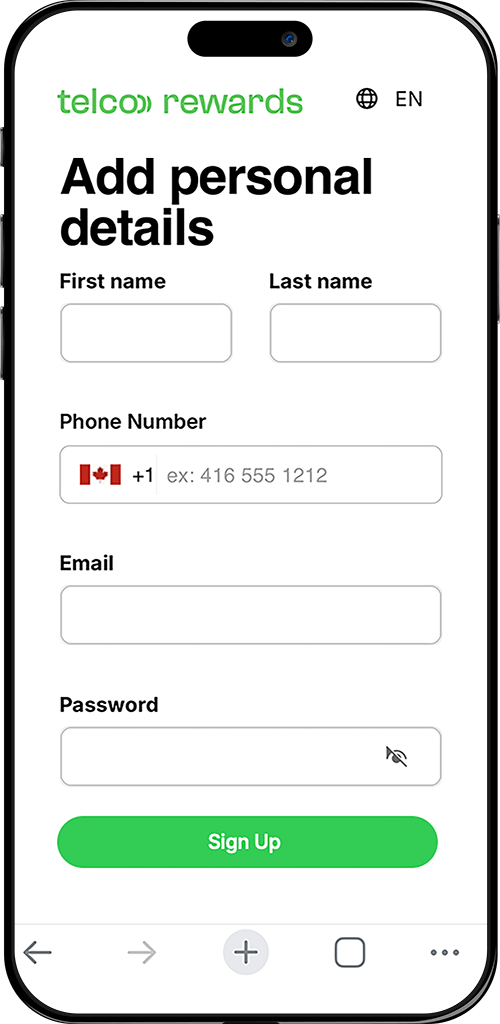
Create a Telco Rewards account using your mobile phone number.
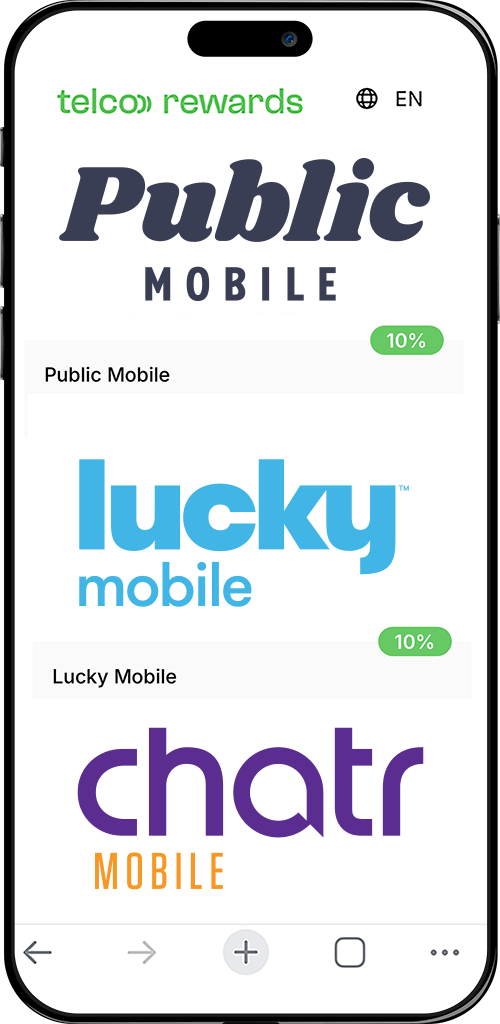
Step 3
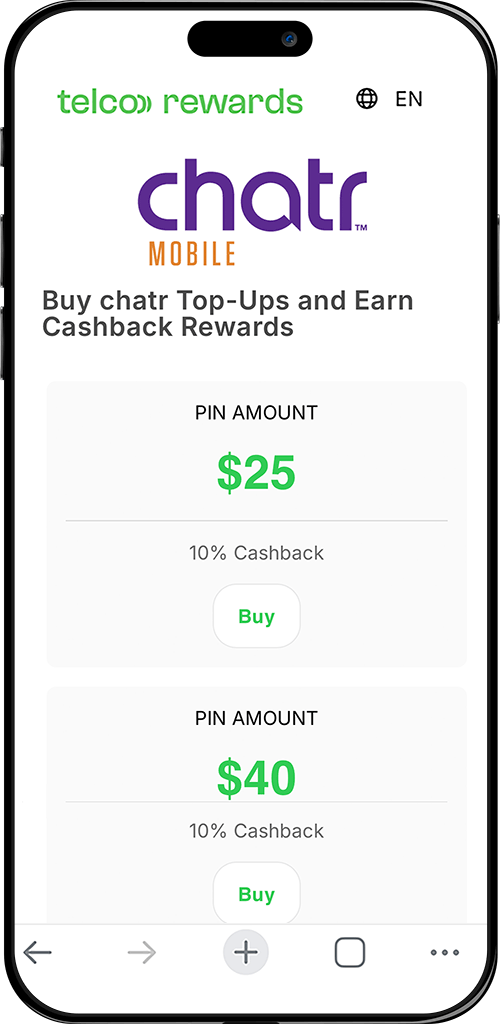
Choose the Top-Up PIN amount you want to purchase.
Step 4
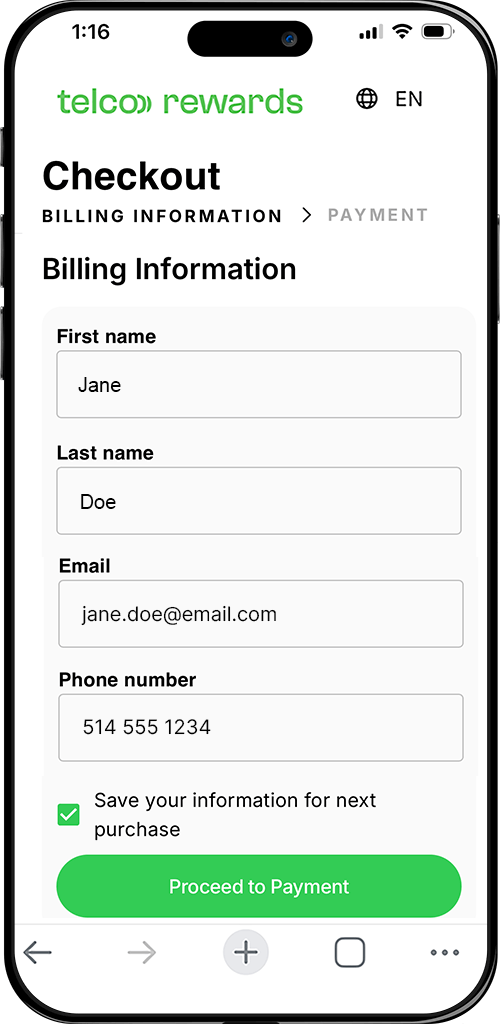
Enter the billing information associated with your credit card.
Step 5
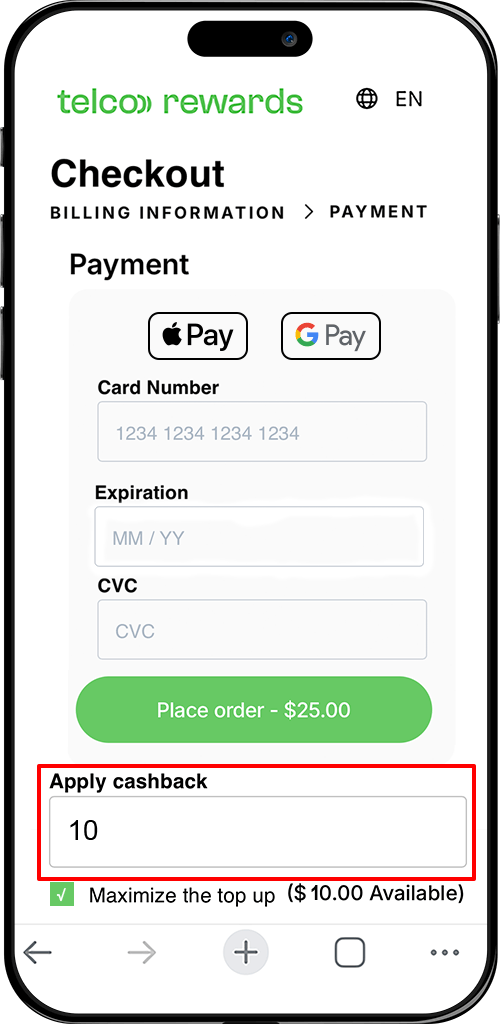
Enter your credit card details and apply any available cashback.
Step 6
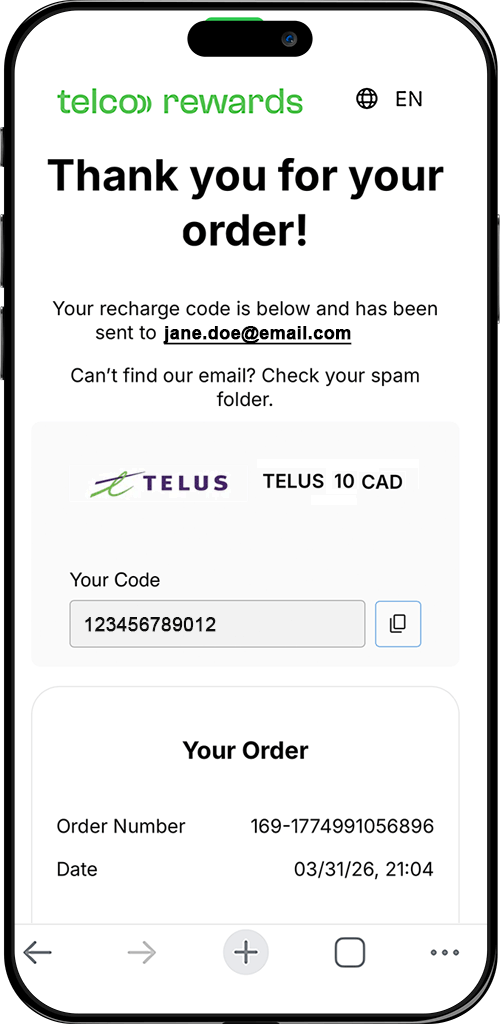
Copy your Top-Up PIN from the purchase confirmation page or confirmation email, then follow your carrier's instructions to apply it to your prepaid account.
Step 7

Shop with our retail partners and continue earning cashback to use toward future prepaid mobile top-up purchases at Telco Rewards.